
Introducing PULSE 2
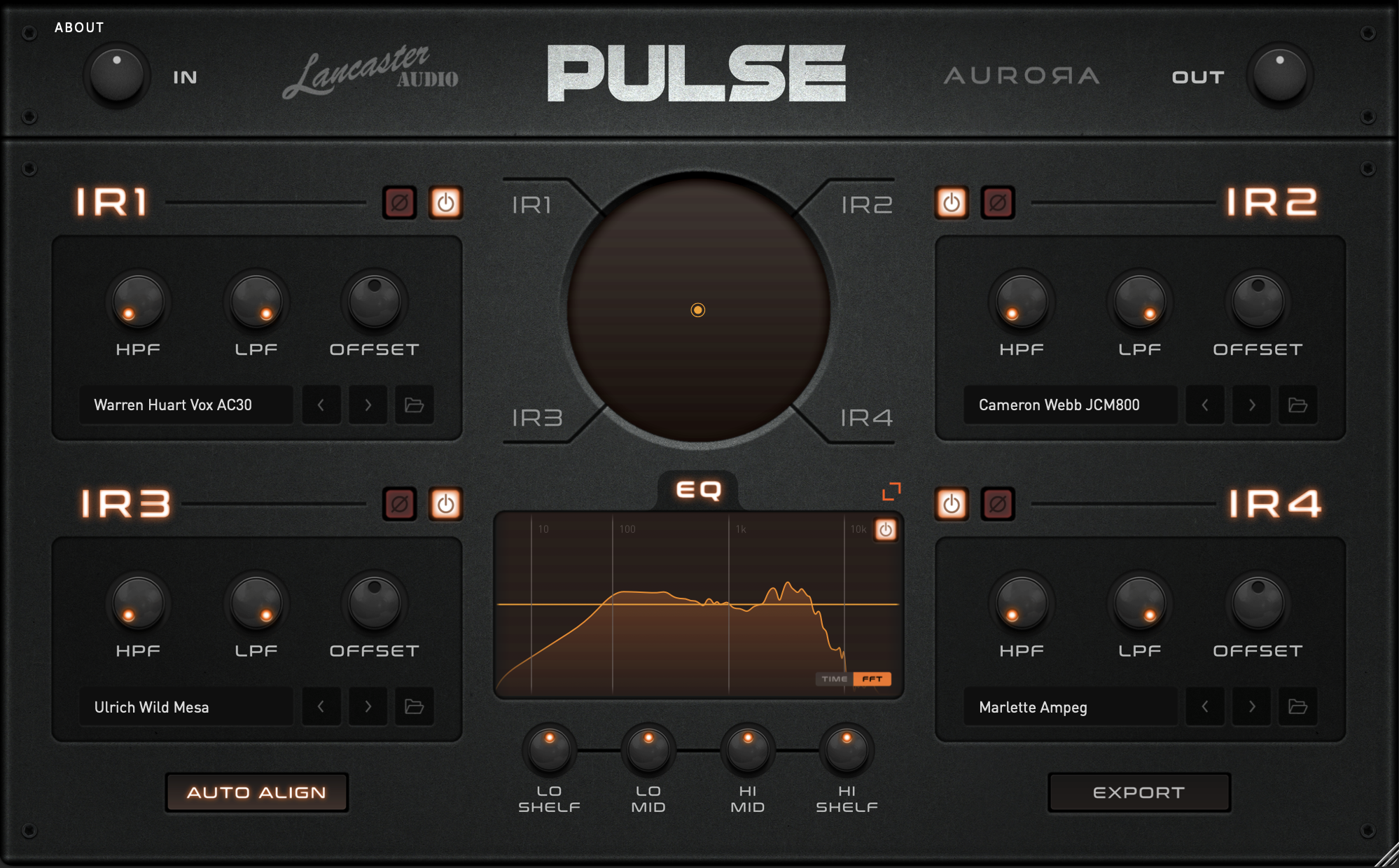
Following the success of its predecessor, PULSE, Lancaster Audio is back with PULSE 2 – the perfect IR loader to complement our extensive library of impulse responses. Using PULSE 2 as your IR loader means you can spend less time sorting through piles of IRs and more time focusing on what’s important: the mix.
PULSE 2 was built in collaboration with Aurora DSP and designed for both aspiring engineers and seasoned pros to utilize impulse responses to their fullest potential. With its unique and incredibly intuitive blending control, PULSE 2 not only allows you to find that perfect ‘Goldie Locks’ sound with ease but the ability to export it as your very own impulse response .wav file!
Best of all, when you open PULSE 2, you’ll be greeted by four impulse responses, hand-selected from our Lancaster Audio Producer Packs—for FREE. Get your perfect guitar sound quicker than ever before.
Features:
• Multi-platform
• Four IR inserts
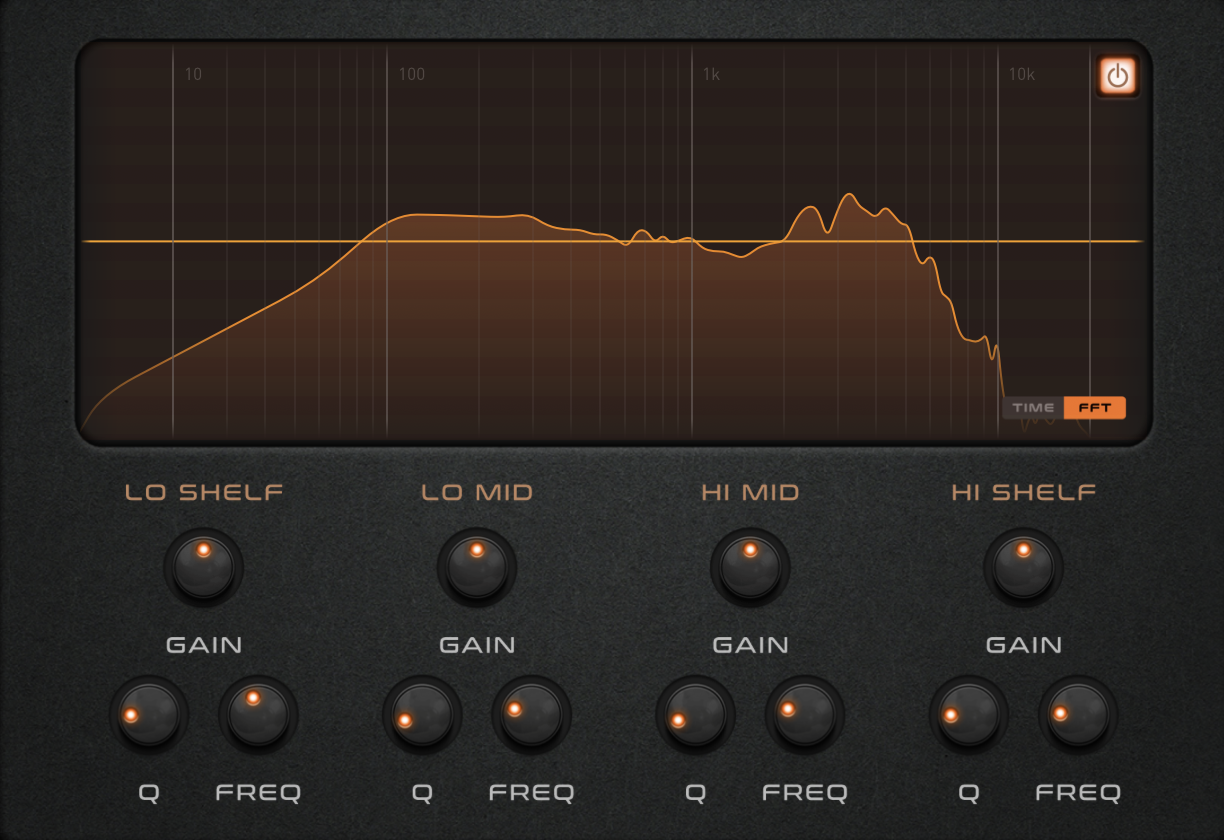
• Expandable EQ Control
• Real-time Sample Rate Conversion
• Compatible With 3rd Party IR’s
• Unique Blend Control
• HP/LP Filters
• Four Producer IR’s
• Auto Align
• Export Mixed IR’s
FAQ
- What does the ‘auto align’ knob do?
This automatically aligns two or more IR’s loaded at the same time to insure there’s no phase issues.
- What does the ‘red Ø knob’ do?
This is a phase button should you want to manually flip the phase of an IR. To do this you’ll need to turn off ‘auto align’. It’s pretty rare that you’ll need to use this as ‘auto align’ does all the work but it’s there for people should they want to tinker themselves.
- I don’t hear any distortion or ‘Amp’ sound! Why?
PULSE 2 is an impulse response loader – Not an amp sim. To use Pulse 2 effectively you should have it AFTER your amp sim and ideally with your amp sim’s cabinet emulation turned off.
- What IR length can Pulse 2 handle?
PULSE 2 should be able to load even 40-second IRs, as long as the user’s CPU can handle the processing. We haven’t introduce any hard limits.